Designing a 3D-first product page that loads fast and converts
Interactive 3D doesn't have to mean a slow page. A field guide to lazy-loading viewers, smart poster frames, and progressive enhancement that keeps Core Web Vitals green.

The fear is understandable: bolt a WebGL viewer onto a product page and watch your Largest Contentful Paint fall off a cliff. It doesn't have to be that way — the trick is to treat 3D as progressive enhancement, not a hard dependency of first paint.
Poster first, viewer second
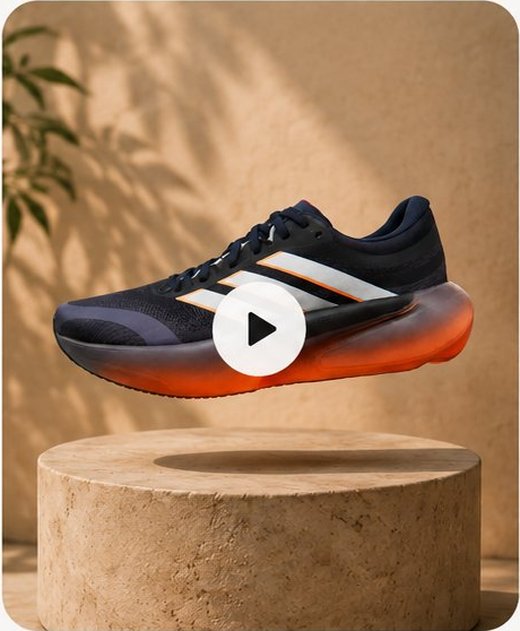
Ship a crisp poster image as the LCP element. It's what the shopper sees instantly and what the crawler indexes. The interactive viewer hydrates only when the element scrolls near the viewport, or on first interaction.
- Use a high-quality still as the poster / LCP candidate
- Defer the viewer bundle until intersection or click
- Reserve layout space so nothing shifts when 3D loads
Measure what matters
Keep the heavy three.js work off the main thread during load, and instrument real-user metrics. A 3D page that converts but tanks CWV is a page that quietly loses organic traffic — watch both numbers together.
Performance and immersion aren't a trade-off. They're a sequencing problem.